HORUS
Skip the cloud.
Use your phone.
A real Alpine Linux box on your Android phone. Run Claude Code, Codex, OpenCode or zsh right on the phone, or plug it into your laptop and use it like a cloud VM: ssh in, forward ports, sync files. No root. No Termux. No monthly bill.
v1.0.1 · arm64-v8a · Android 7.0+ · MIT
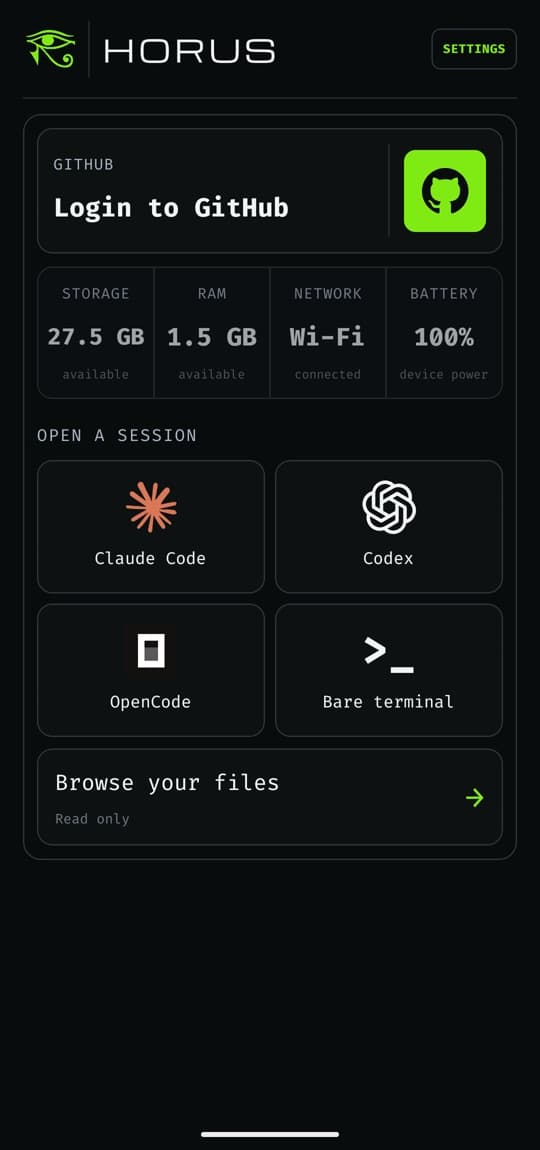
Four tiles.
One tap.
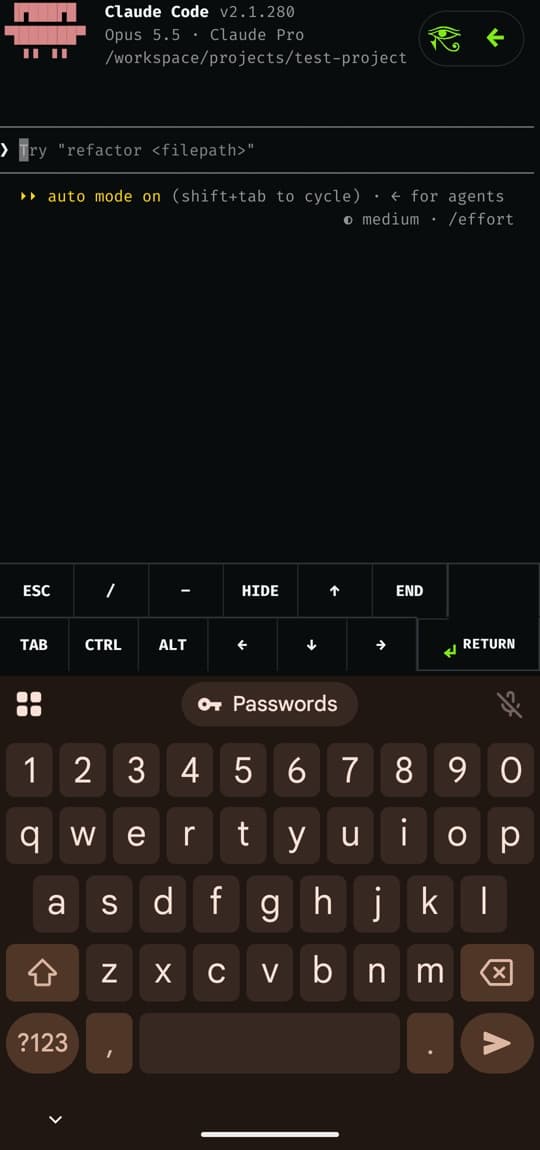
Each agent installs into its own home directory the first time you open it, and the installer output stays on screen. Later launches reuse the install.
You sign in inside each CLI. Horus never touches your provider credentials.



Cancel the
cloud VM.
Plug the phone into your laptop and it behaves like a remote dev box. ssh into it, open it in VS Code Remote-SSH, forward ports, sync files, and run one command across every phone you own.
It's all optional. Without a computer, Horus still does everything on the phone.
$ npm install -g horus-cli
$ horus pair
  paired · pixel
$ horus config --install
$ ssh pixel # or VS Code → Remote-SSH
$ horus forward 3000 # phone :3000 → localhost
$ horus exec --all -- uname -m
  pixel   aarch64
  fold    aarch64
| cloud VM | Horus | |
|---|---|---|
| cost | a bill every month | a phone you already own |
| your code | in someone else’s datacenter | in your pocket |
| reachable from | the internet | your USB cable |
| more machines | more instances, more bills | horus exec --all |
| editor | VS Code Remote-SSH | VS Code Remote-SSH |
| uptime | 24/7 | while it’s plugged in |
Uses the horus CLI with Node 18+, adb and OpenSSH on the computer. Off until you pair. The phone's SSH server listens on loopback only, accepts only paired keys, and refuses root.
A real Linux.
Not a toy.
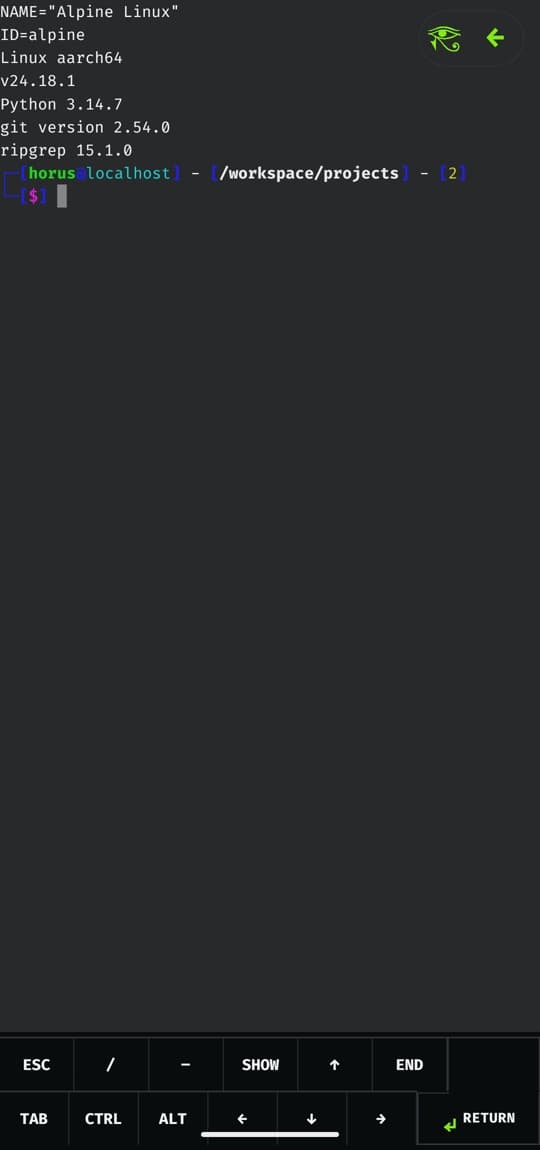
On first launch Horus downloads a pinned Alpine minirootfs, checks its SHA-256, and unpacks it into app-private storage. git, curl, jq, rg, python3 and Node arrive on demand.
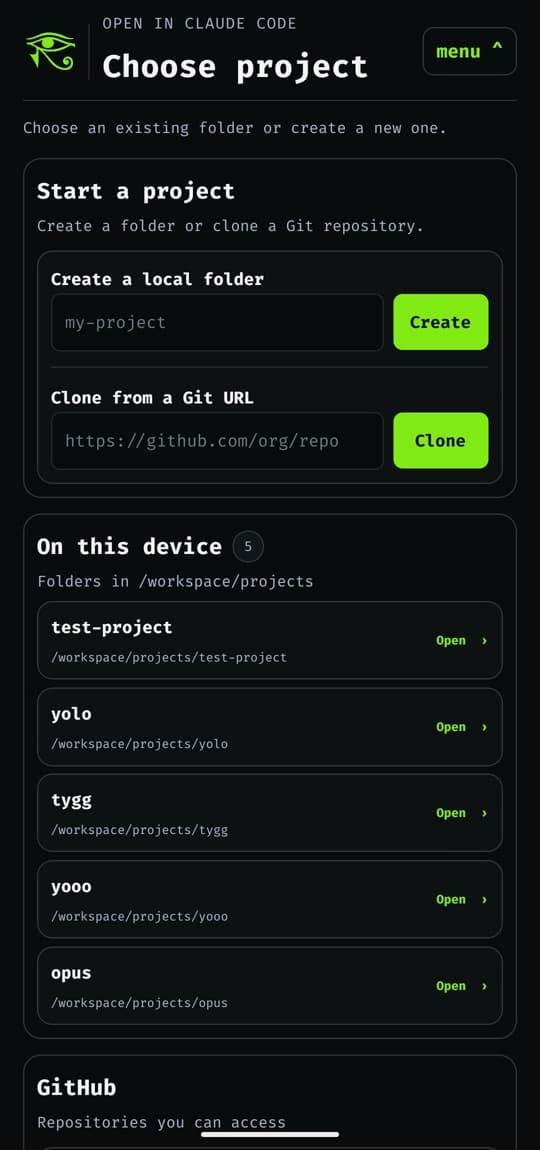
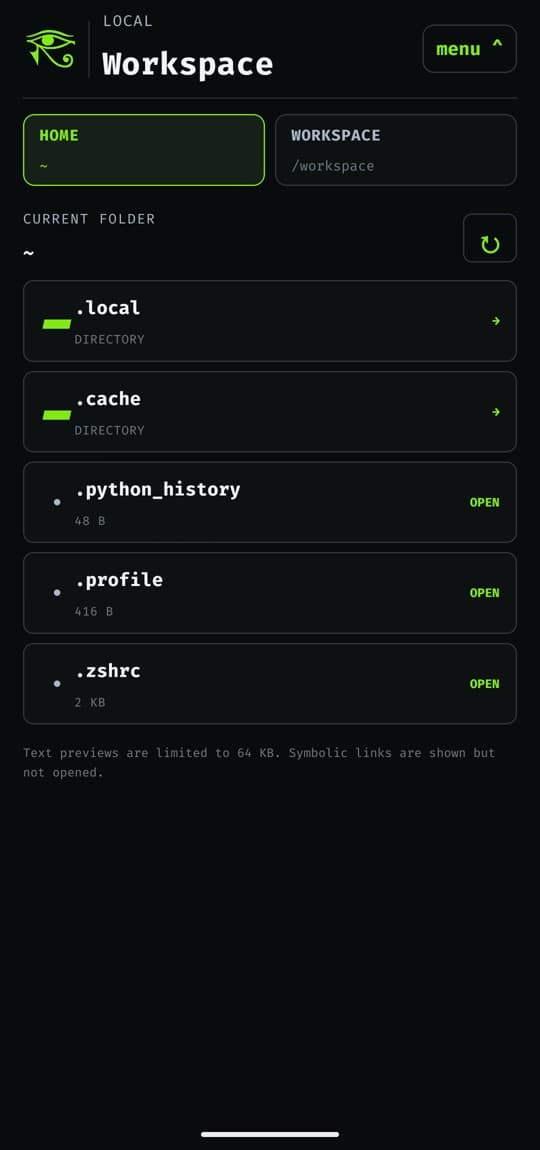
Start a project by creating a folder, cloning any HTTPS or SSH URL, or picking one of your GitHub repos. Everything lives under /workspace/projects.
$ fetch alpine-minirootfs-3.24.0-aarch64.tar.gz
  ████████████████████████ 100%
$ sha256 --check ✓ pinned digest matches
$ extract → app-private storage ✓
$ proot binaries ✓ hashes match manifest

you@horus /workspace/projects
❯ git clone git@github.com:you/app.git
Sessions survive
the UI.
Terminals run in a foreground service in their own process. They keep going when you switch apps, when Horus locks, and when Android reclaims the UI. Each one gets its own notification.
A native PTY handles resize, Ctrl‑C and job control. The key bar adds Esc, Tab, arrows and sticky Ctrl/Alt.

Honest about
the edges.
Every signal gets a strength report, including the weak ones. Android's app sandbox is the only real boundary. Don't run code you don't trust.
- Local locksalted PBKDF2-HMAC-SHA256 verifier; locks after 15 min in the background
- Runtime integrityPRoot built from pinned source; refuses to start if any binary hash differs
- Credentialssign-in happens inside each CLI; Horus never sees your tokens
- Diagnosticslifecycle metadata only, never terminal input or output
- Isolation between agentseach agent is its own guest user, but PRoot only emulates UIDs; no kernel isolation
DATASHEET · HORUS 1.0.1
- device
- ARM64 (arm64-v8a)
- android
- 7.0+ · API 24, targets API 36
- distro
- Alpine Linux 3.24 minirootfs, SHA-256 pinned
- runtime
- PRoot + talloc, built from source
- terminal
- native PTY, xterm.js engine, native renderer
- agents
- Claude Code · Codex · OpenCode · zsh
- remote
- SSH over USB with horus-cli, optional
- root
- not required
- license
- MIT